Description
Launch your own ChatGPT-style assistant. Nova AI is a complete chat app with streaming responses, multiple conversations stored on the device, ready prompt presets and a full settings screen. It talks to OpenAI or any OpenAI-compatible endpoint (OpenRouter, Groq, Together, local LM Studio or Ollama) and has a built-in demo mode so it works right after install.


Features
- Chats list with auto titles, last message preview and delete
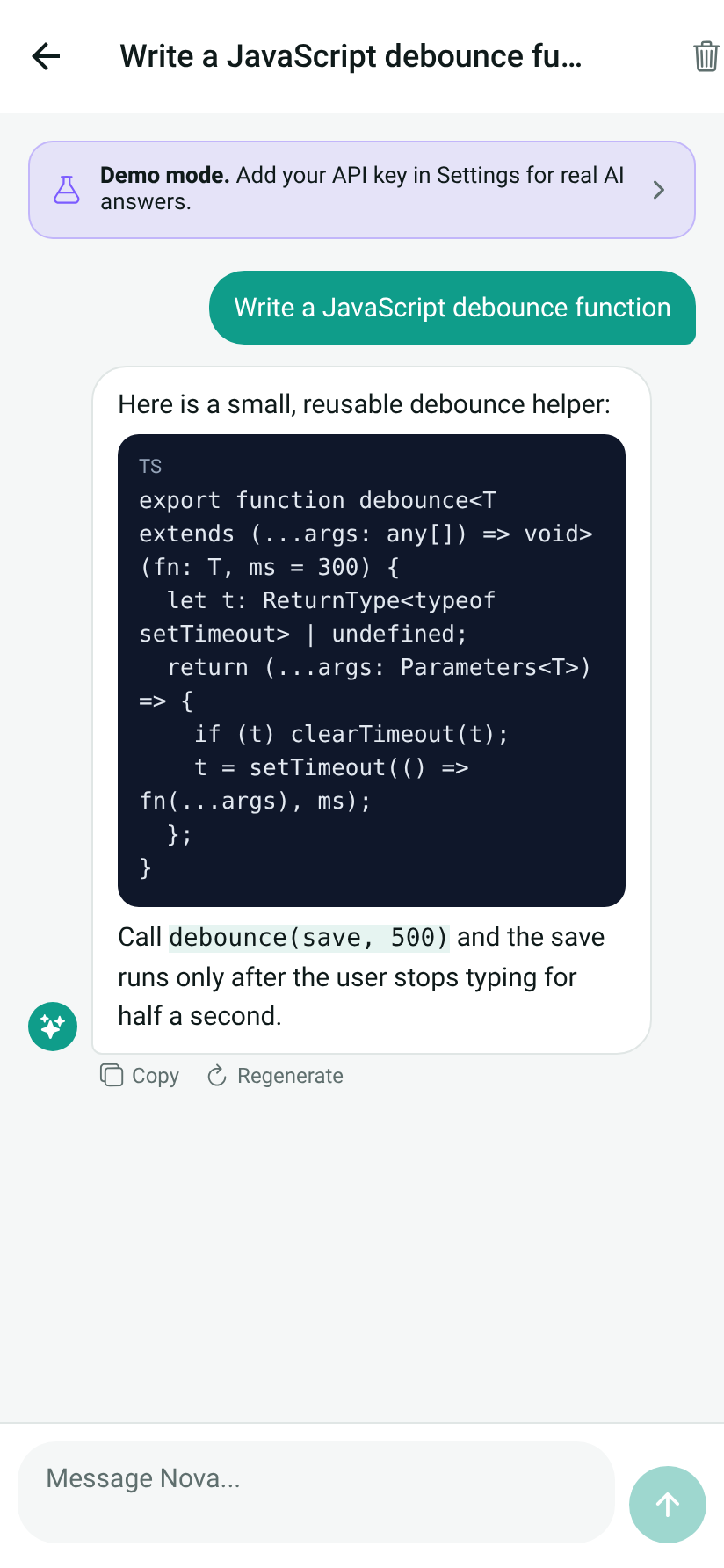
- Chat screen with streaming answers (SSE), Stop and Regenerate, copy message, suggestion chips for new chats
- Markdown style rendering with code blocks
- Prompt library: 9 presets in categories Write, Learn, Work and Fun (email writer, idea generator, translator and more)
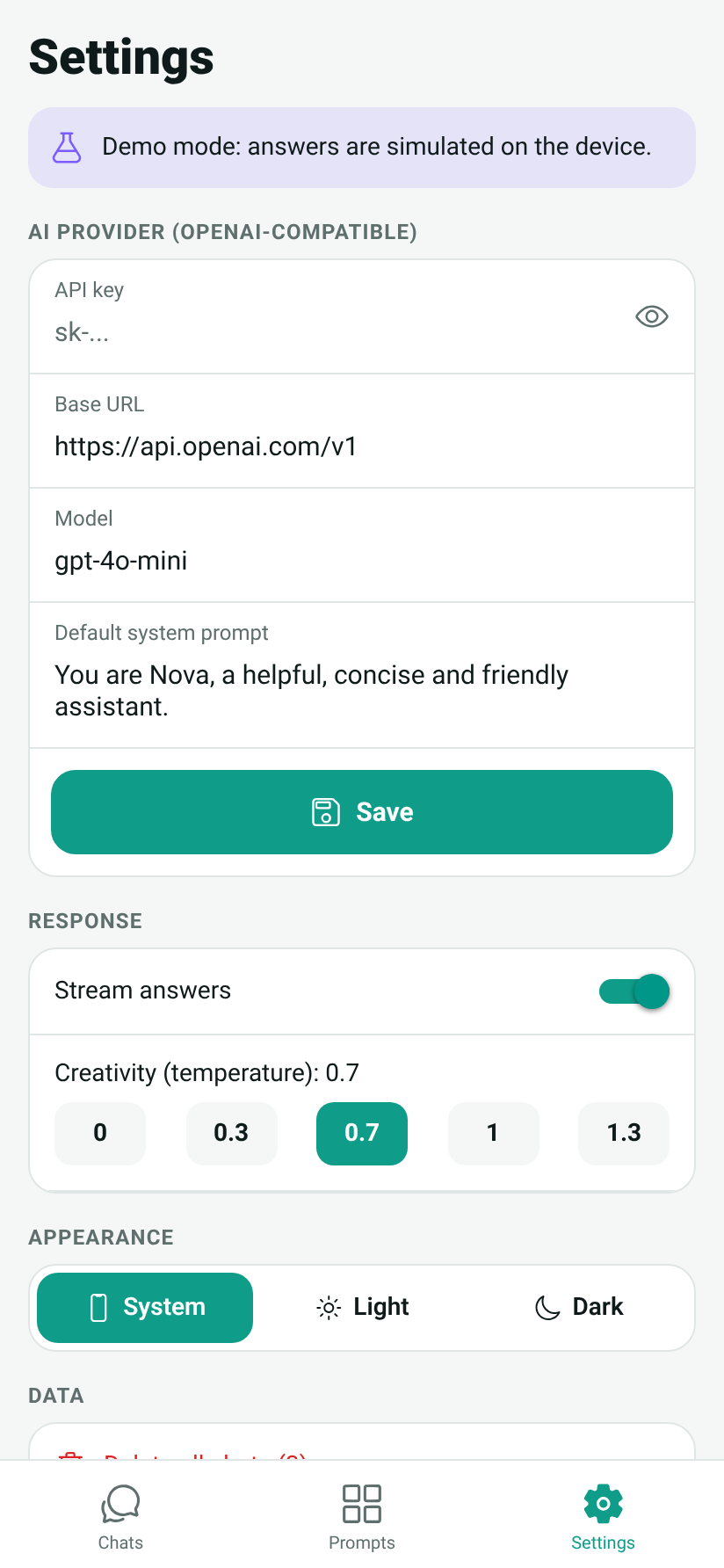
- Settings: API key (hidden with show toggle), base URL, model, system prompt, temperature, streaming on or off
- Demo mode with sample answers when no API key is set
- Light, dark or system theme, delete all chats, About screen
- Conversations stored on the device with AsyncStorage
- Runs on Android, iOS and Web
Tech stack
- React Native 0.74, Expo SDK 51
- TypeScript (strict)
- React Navigation 6: bottom tabs and native stack
- OpenAI-compatible Chat Completions API with streaming (XMLHttpRequest + SSE parser)
- @react-native-async-storage/async-storage, expo-clipboard
- Jest tests for the SSE parser, API client and chat storage
Requirements
- Node.js 18 or 20
- Expo Go on your phone, or Android emulator / iOS simulator
- Optional: EAS CLI for store builds
- An API key from OpenAI or another OpenAI-compatible provider (optional, demo mode works without it)
How to install and run
- Unzip the archive and open the project folder
- Run
npm install - Run
npx expo startand scan the QR code with Expo Go (or press a / i / w) - Open Settings, paste your API key and choose a model
- Run tests with
npm test, build for stores witheas build
How to rebrand
- App and assistant name:
app.jsonandAPP_NAME,ASSISTANT_NAMEinsrc/config.ts - Colors:
BRAND_PRIMARY,BRAND_ACCENTinsrc/config.tsand palettes insrc/theme/theme.ts - AI defaults: base URL, model, temperature, system prompt in
src/config.ts - Prompt presets:
src/data/presets.ts - Icon and splash: replace files in
assets/ - Package id:
app.json(current: com.appforge.novaai)
What’s included
- Full TypeScript source code (App.tsx, src, assets, app.json, package.json, package-lock.json)
- Jest tests
- README.md with setup, rebranding and project structure
- LICENSE file
- Screenshots folder
Screenshots


License
Commercial license: use the source code in one end product (one app) for yourself or one client, free or paid. Reselling or redistributing the source code as a template is not allowed. Full text in the LICENSE file.


Reviews
There are no reviews yet.